
Social Media Awareness, Digital Footprint and Cyber-Bulling Upcoming Online Workshops for Students
May 13, 2020
“SOCIAL MEDIA AWARENESS, DIGITAL FOOTPRINTS & CYBER-BULLYING IN THE AGE OF COVID-19”
Friday, May 22, 2020 from:
9:00am – 10:00am PST
11:00am-12:00pm PST OR
1:00pm – 2:00pm PST
This 60 minute student presentation, brought to you by the Ministry of Education, in collaboration with Safer Schools Together, will focus on lessons and content most applicable to today’s new world of online remote learning. This presentation will cover all things digital, from digital citizenship to fake news and to the growing anxiety of the unknown with the COVID-19 pandemic. Some of the most prominent concerns currently surrounding a student’s use of social networking sites and smartphones will be discussed including suggestions for reporting worrisome behaviours.
This session is being offered at 3 different times during the day on May 22.Please visit the following link to register for whichever session works best for you:
9am – 10am: https://event-wizard.com/SocialMediaAwarenessStudentMay229am/0/register/
11am – 12pm: https://event-wizard.com/SocialMediaAwarenessStudentMay2211am/0/register/
1pm – 2pm: https://event-wizard.com/SocialMediaAwarenessStudentMay221pm/0/register/

Since April 30th you’ve read 500 books on Epic! Way to go Division 4! You rock!

Are you looking for book recommendations? Check out the blog Alex has created to review various books he’s been reading. Maybe you’ll find something from his recommendations that sparks your interest that you are interested in reading too.
Hi Division 4,
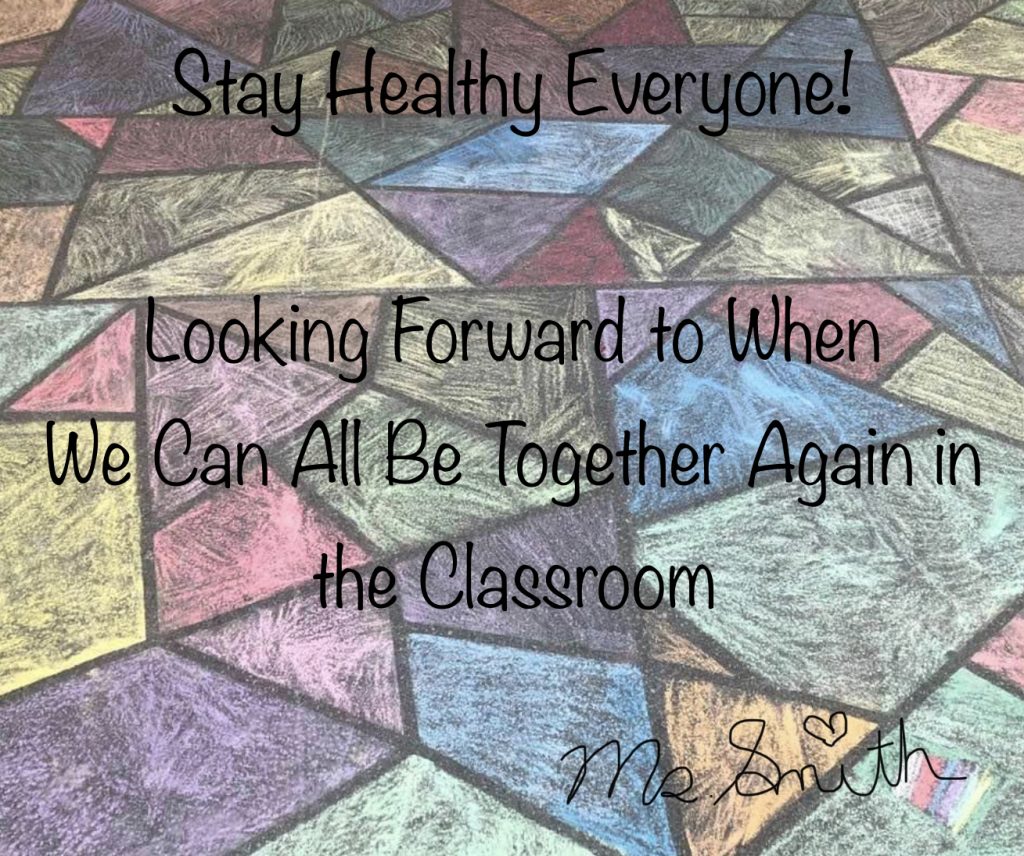
I hope you like my DIY chalk mosaic in the background. Don’t forget to create your own Message of Hope. You can drop them off in the drop off box outside the school in the undercover area next to the community office and staff will post them for you in our school windows.
I miss you all and really looking forward to when things are back to normal.
Ms Smith



Date: Thursday April 16th
Time: 11:00 am
How to Join Meeting:
- Login to Office 365
- Go to Teams-Download Teams App to your device
- Login to Teams using your Office 365 email and password
- Once Logged in Click on Meetings at the bottom of your screen
- Accept/Join the Meeting
- Once you have joined turn off your video and microphone. When it’s your turn to speak you will be able to turn it back on so that we can see and hear you. This will help reduce background noise and technical difficulties associated with too many people using video at the same time.
Have a great long weekend everyone! I look forward to seeing and chatting with all of you next week.
Ms. Smith

If you have a bass guitar, guitar or ukulele and have been wanting to learn to play or improve your skills, join Fender for 3 months of free lessons online. Link: Fender Play

Teach Kids How to Knit with these easy tutorials.
Now that school’s out, and they’re confined to home, a creative outlet is just what they need. Knitting helps kids learn maths, spacial awareness and mindfulness, and boosts their creativity and confidence, all while working at their own pace.
Give it a try if you have knitting materials at home. Link: Kids Knit