How To Turn In Online

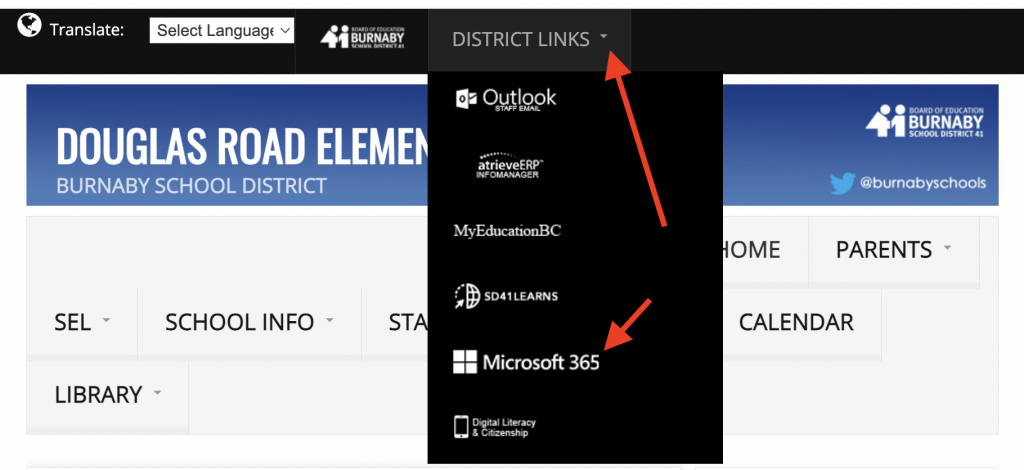
Step 1: Start at our school website. Use the drop-down menu to select Microsoft365.
Step 2:
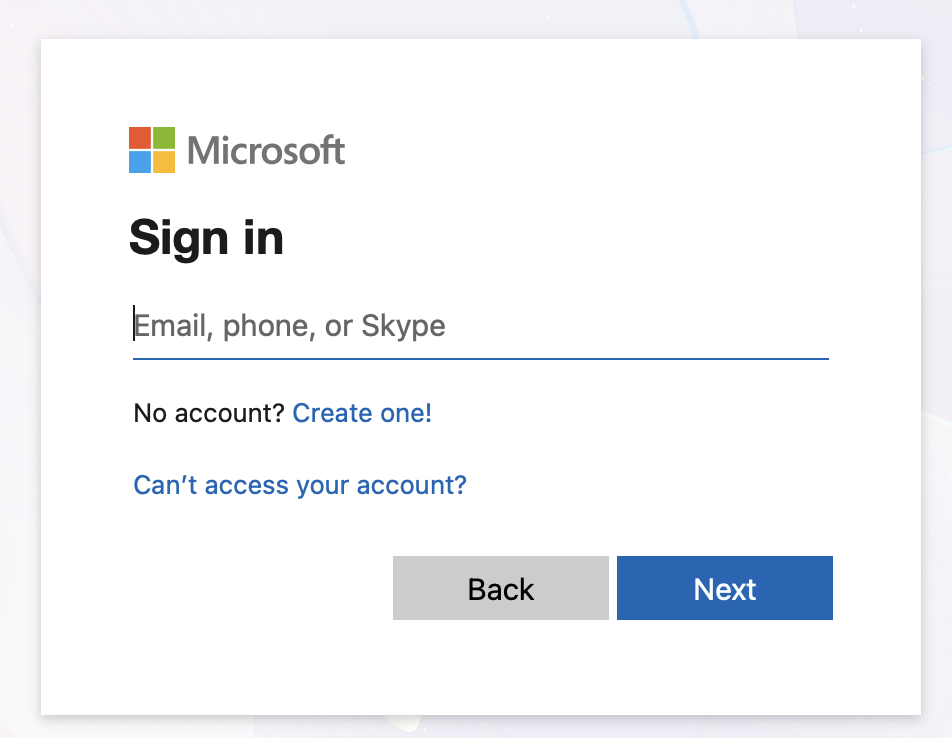
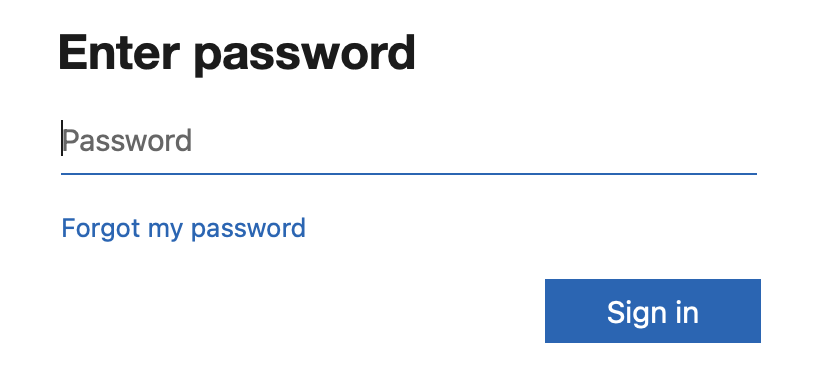
Sign into your Microsoft365.
Enter your school e-mail address: pupilnumber@edu.burnabyschools.ca
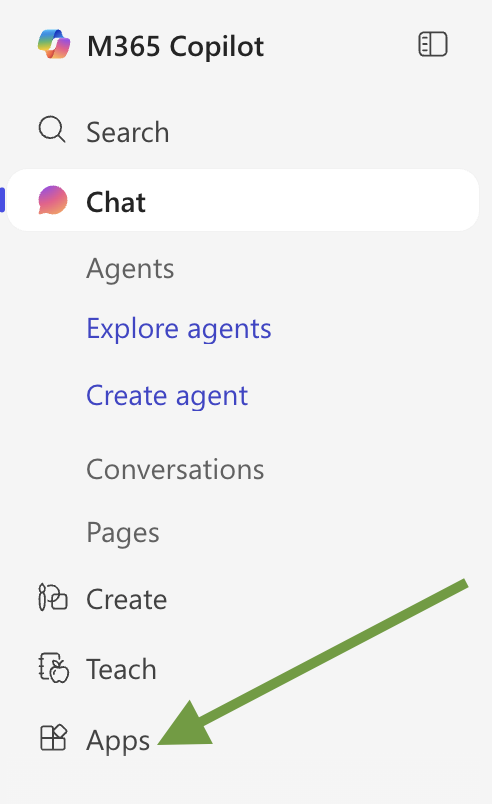
Step 3: To the left of the screen, click on apps.
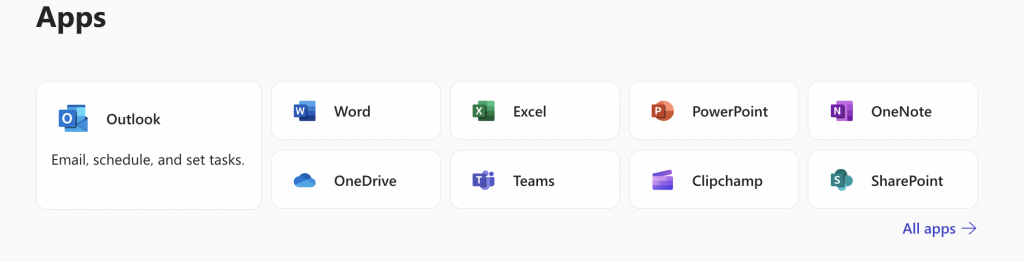
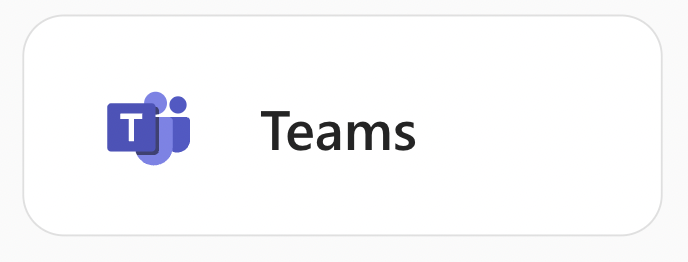
Step 4: Click on Teams.
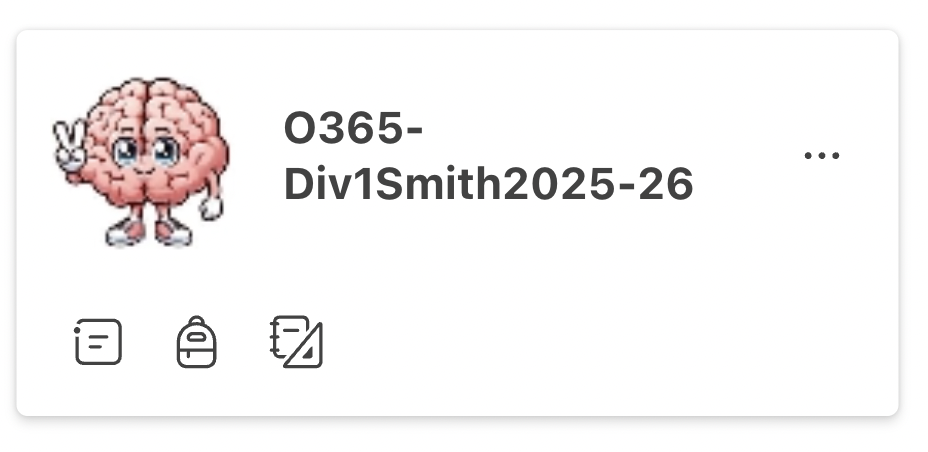
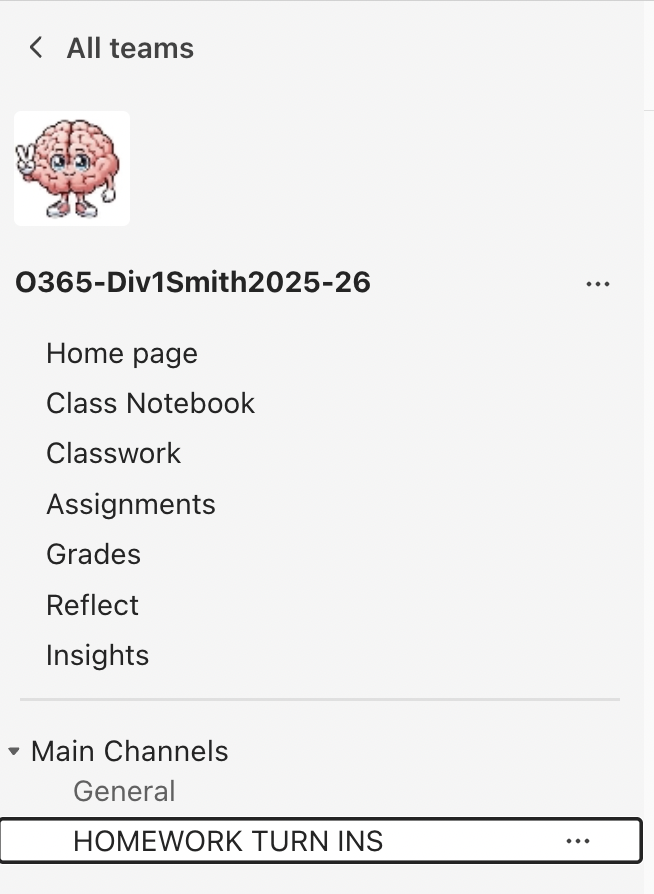
Step 5: Look for the brain with the peace sign.
Step 6: Go to our homework channel. You can also click on Assignments.
Step 7: Attach your assignment. Then wait for it to finish uploading.

Step 8: Go to top right and click on Turn In.