
Office 365 Teams

Step 1: Go to the Douglas Road Elementary website.
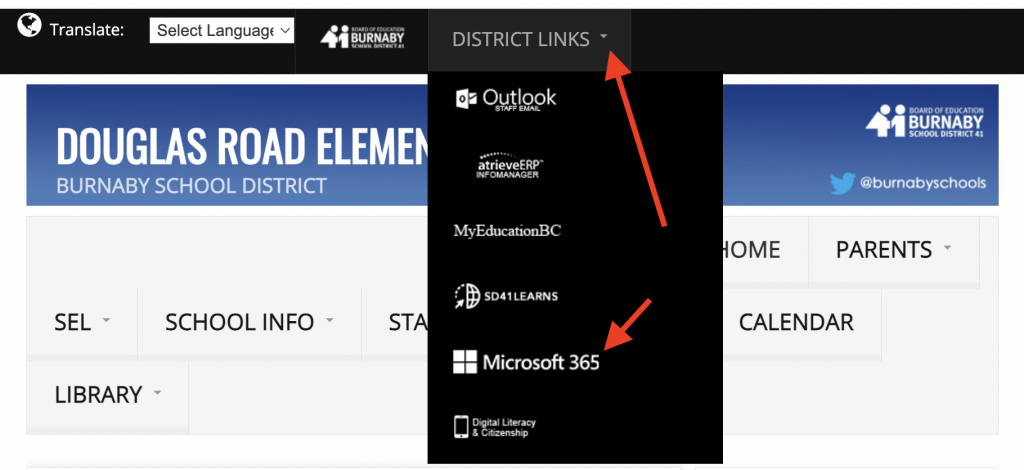
or
go to portal.office.com
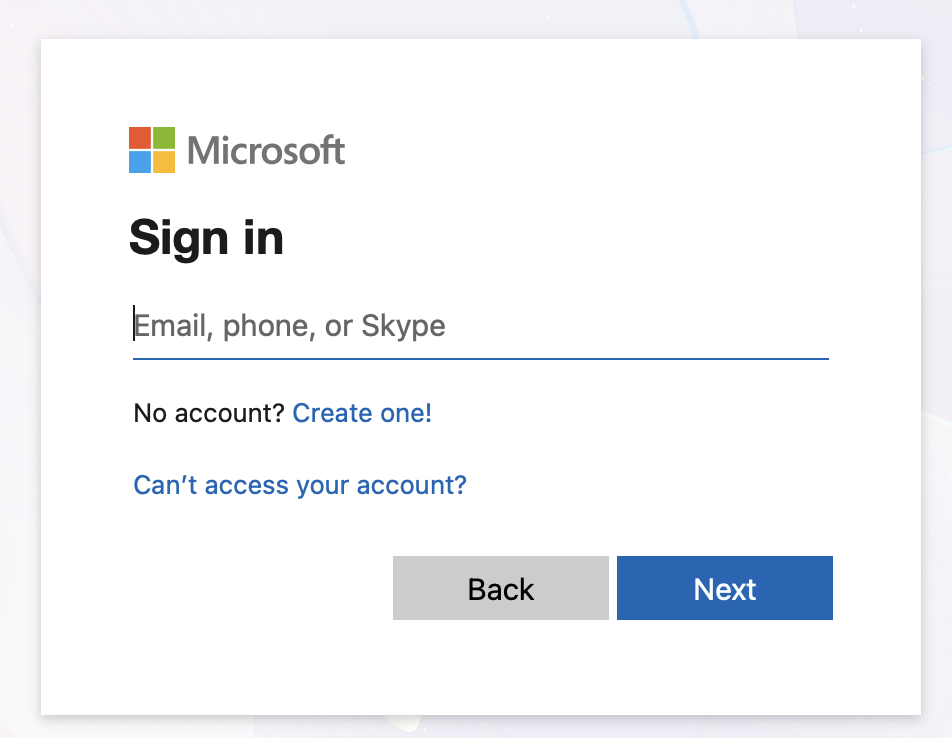
Step 2: Sign in by entering your school e-mail address:
pupilnumber@edu.burnabyschools.ca
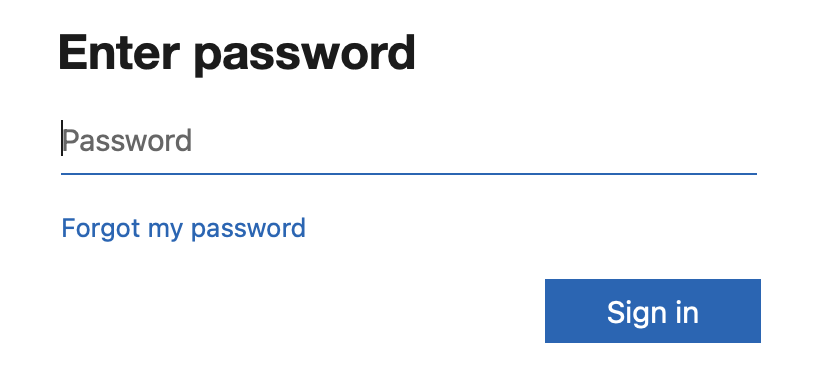
Enter your password (same as the password you type when you use the school computers at school) and click “Sign in” That’s it! You’re in!
Step 3: Go to apps on the left hand side and click on it.
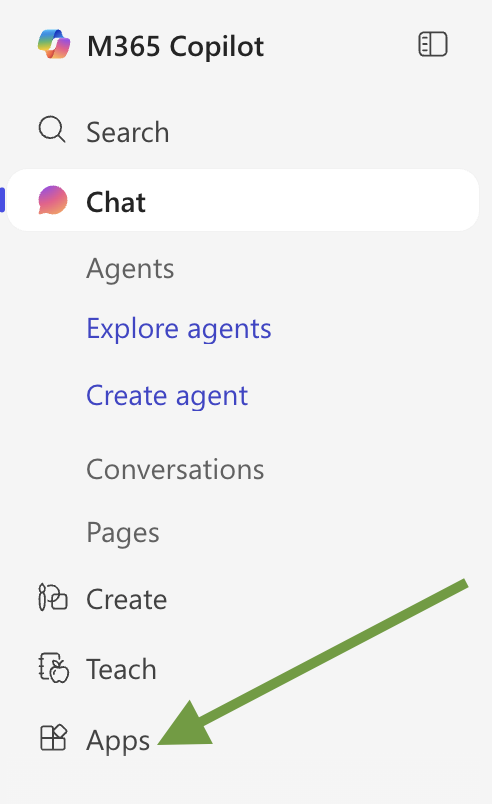
Now you can see all your applications.
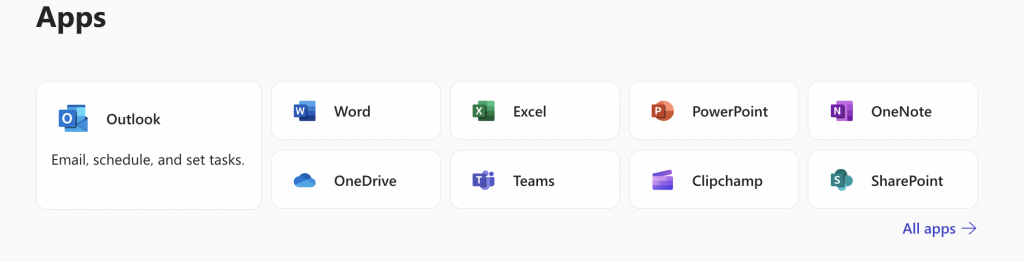
Where do I save my work? in One Drive (the blue cloud)
My students should create these folders in One Drive:
- Writing (orange)
- Socials (yellow)
- Science (green)
- Health and Career (purple)